
跳到内容

BigBlueButton 认证服务提供商

一款会议应用,覆盖整个组织的每台设备。

为员工、学生和客户提供一款用于 BigBlueButton 会议的应用,同时让数据始终保留在您自己的服务器上。

连接到你已经在使用的 BigBlueButton 服务器。

适用于

  • Windows
  • macOS
  • Linux
  • Android
  • iPhone & iPad

现已支持 Windows。Mac、Linux、iPhone 和 Android 版即将推出。

BBB One
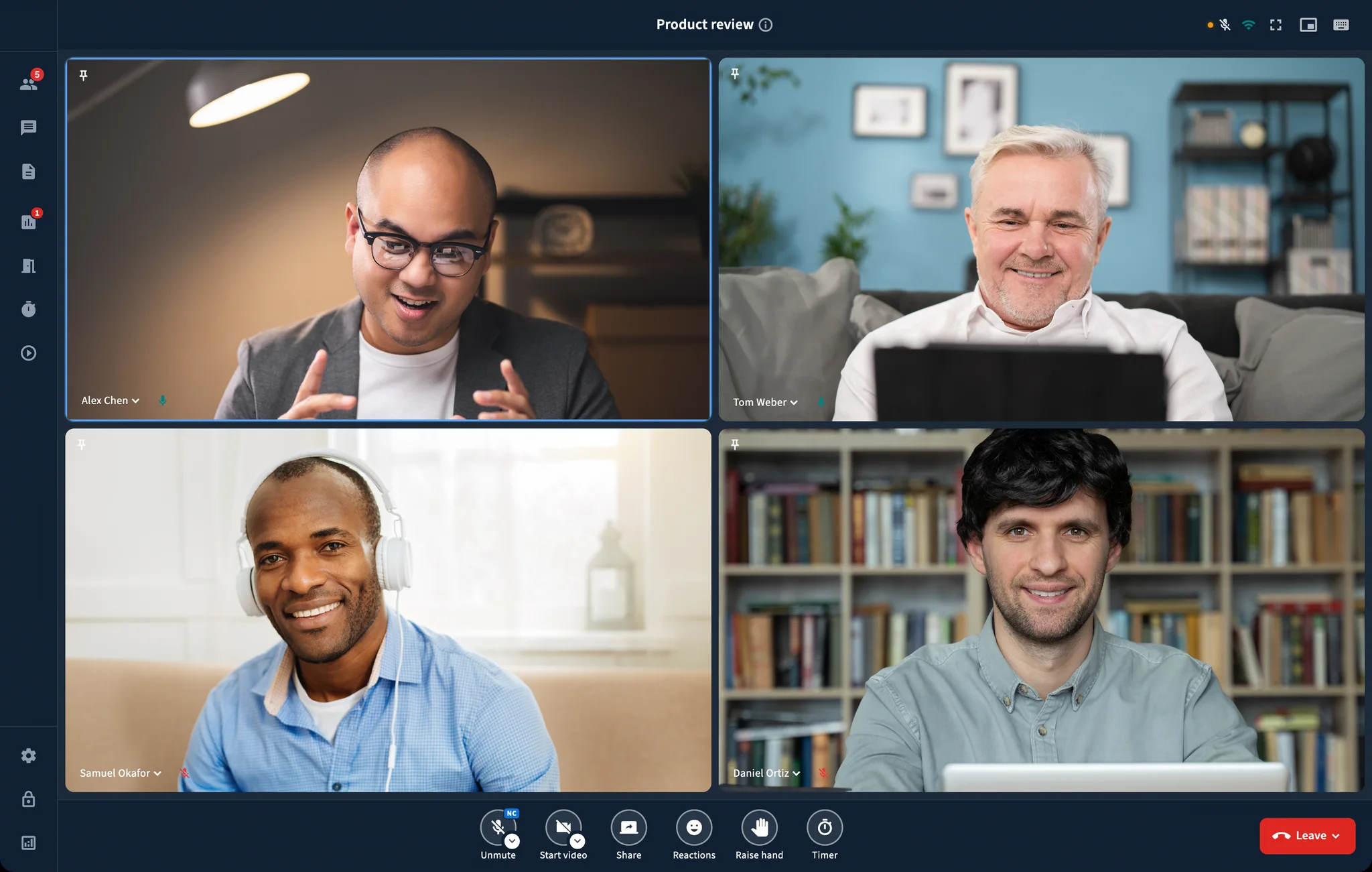
Four people on camera in a BBB One meeting, with a ring around whoever is speaking

深受 BigBlueButton 运营机构信赖

  • Arab Open University
  • Khalifa University
  • Riyadh Elm University
  • Alasala Colleges
  • Universidad Politécnica de Madrid
  • The Linux Foundation
5
个平台陆续推出,从 Windows 开始
20
种语言,包括从右到左书写
100%
运行在您掌控的基础设施上
BigBlueButton 认证服务提供商

由 RIADVICE 开发

BigBlueButton 认证服务提供商

由每天使用 BigBlueButton 的团队开发和支持。

准时开始会议,而不是先检查音频。

BBB One 会在参与者加入前处理好设备设置。

加入前准备就绪

会议开始前选择好麦克风、摄像头和扬声器。

为整场会议而生

无需依赖浏览器标签页,即可共享屏幕、切换窗口并让会议保持开启。

在每台设备上都得心应手

使用熟悉的应用,享受设备控制、通知和全屏功能。

一款应用,满足培训、网络研讨会和客户会议

最常用的 BigBlueButton 工具,在每台设备上都易于找到。

清晰的声音和画面

选择摄像头和麦克风,需要时模糊背景。
BBB One in a meeting, with the camera and microphone controls in the control bar

简单的屏幕共享

共享整个屏幕或一个窗口,同时让所有人留在会议中。

A slide presented full width in BBB One, with the Share button in the control bar

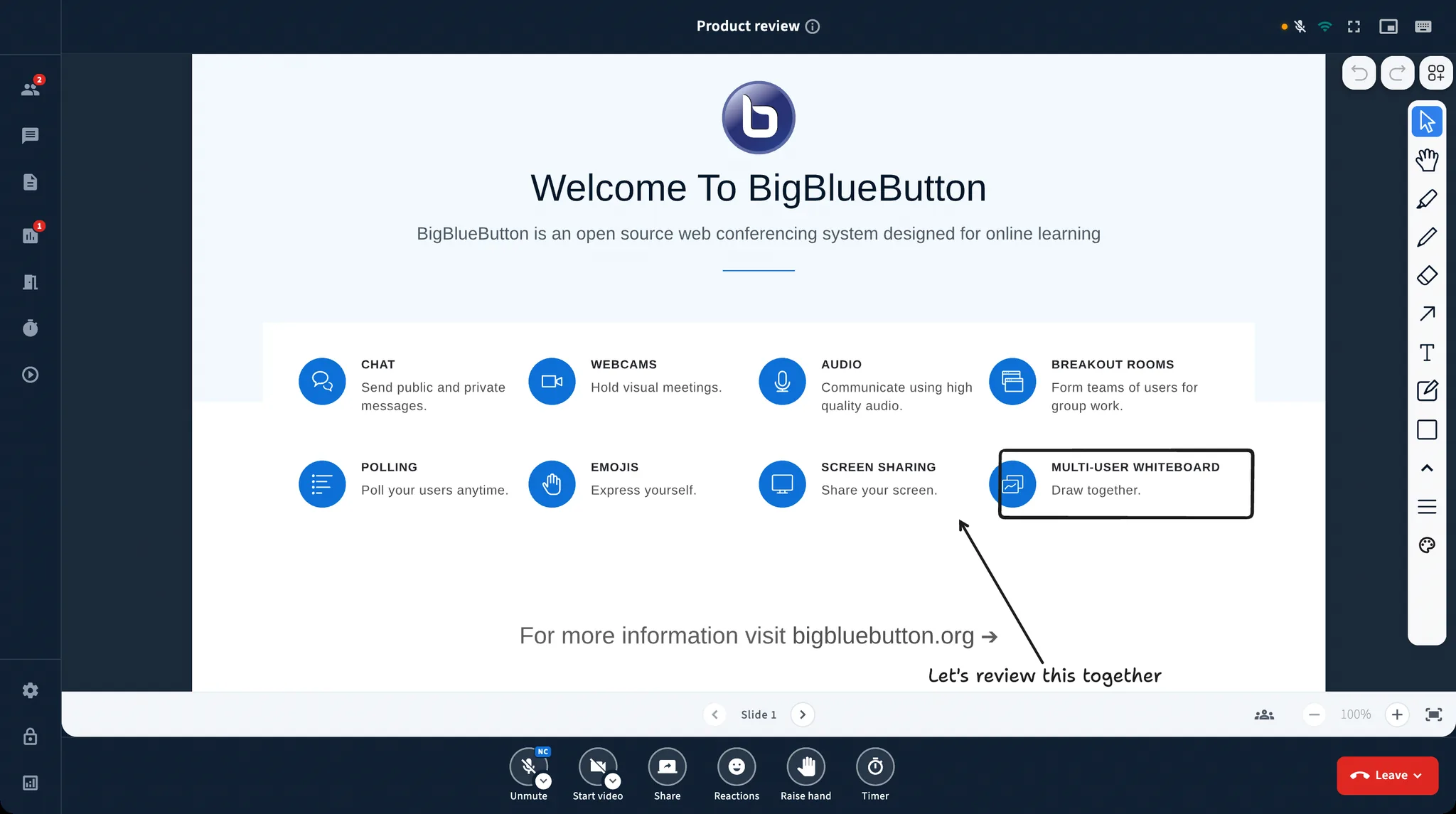
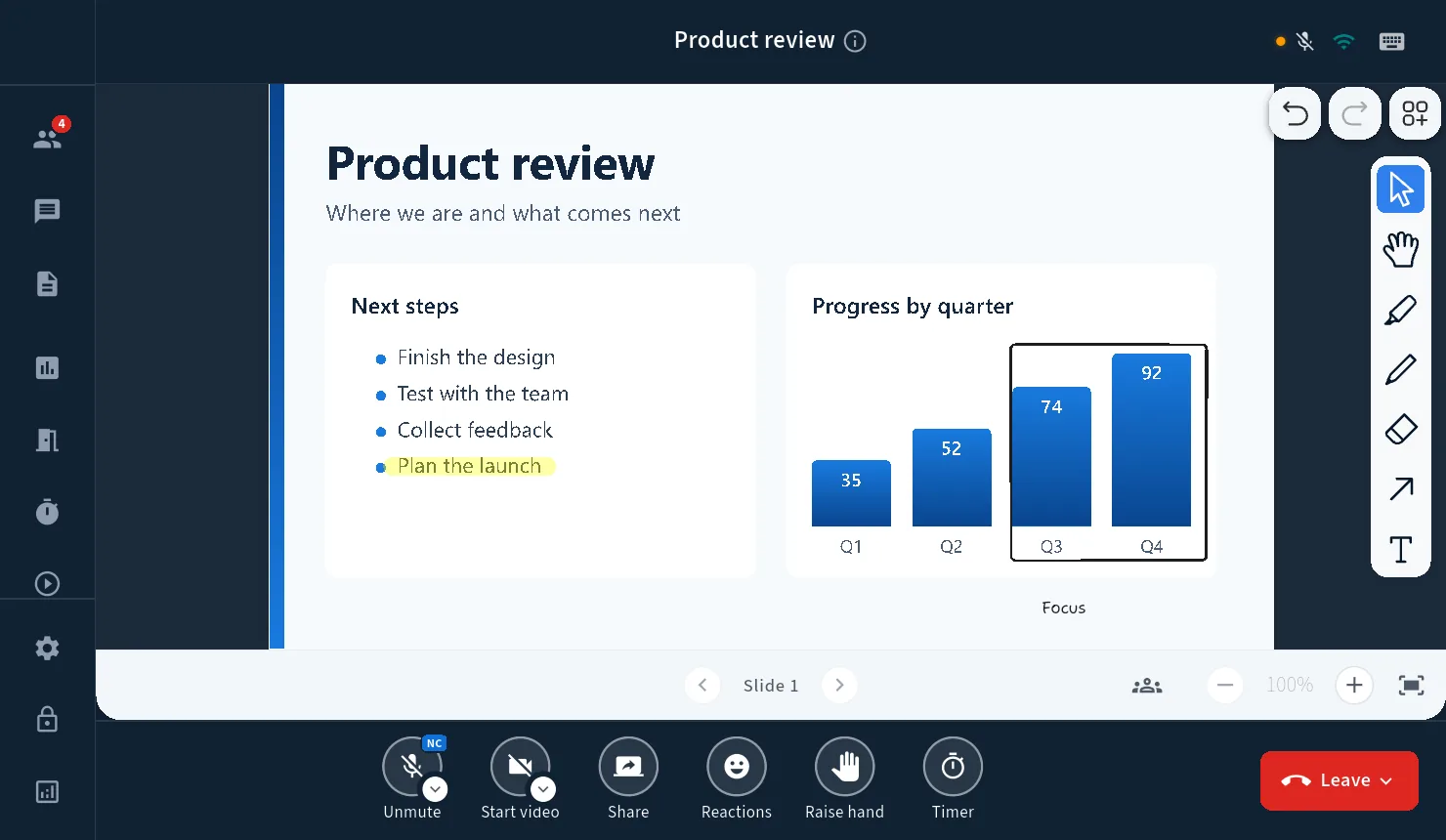
幻灯片和白板

展示文件、实时书写,并一起讲解想法。

A slide with whiteboard annotations and the drawing tools in BBB One

让每场会议尽在掌控

全场静音、选择主讲人、管理访问权限,并在需要时使用等候室。
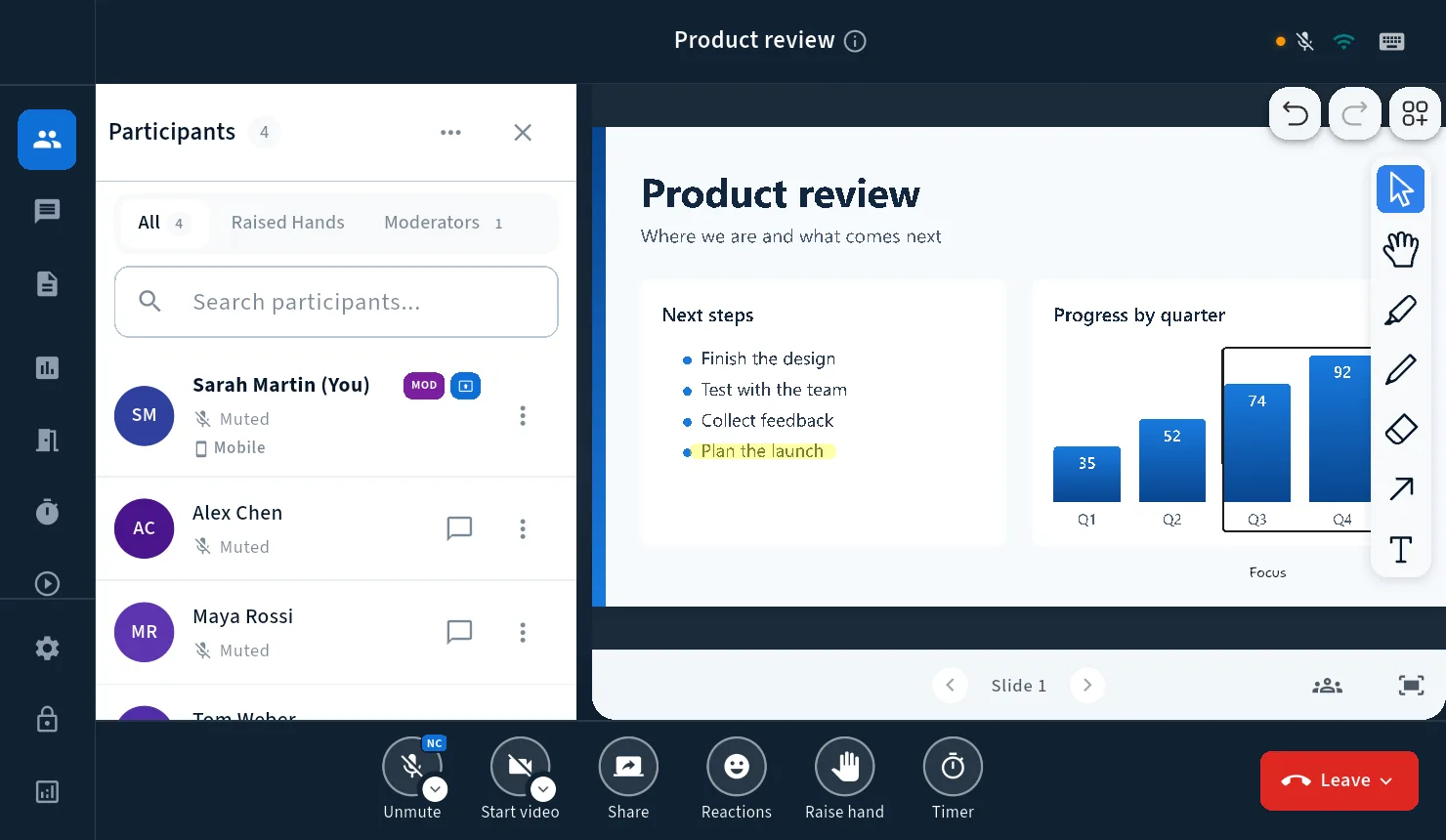
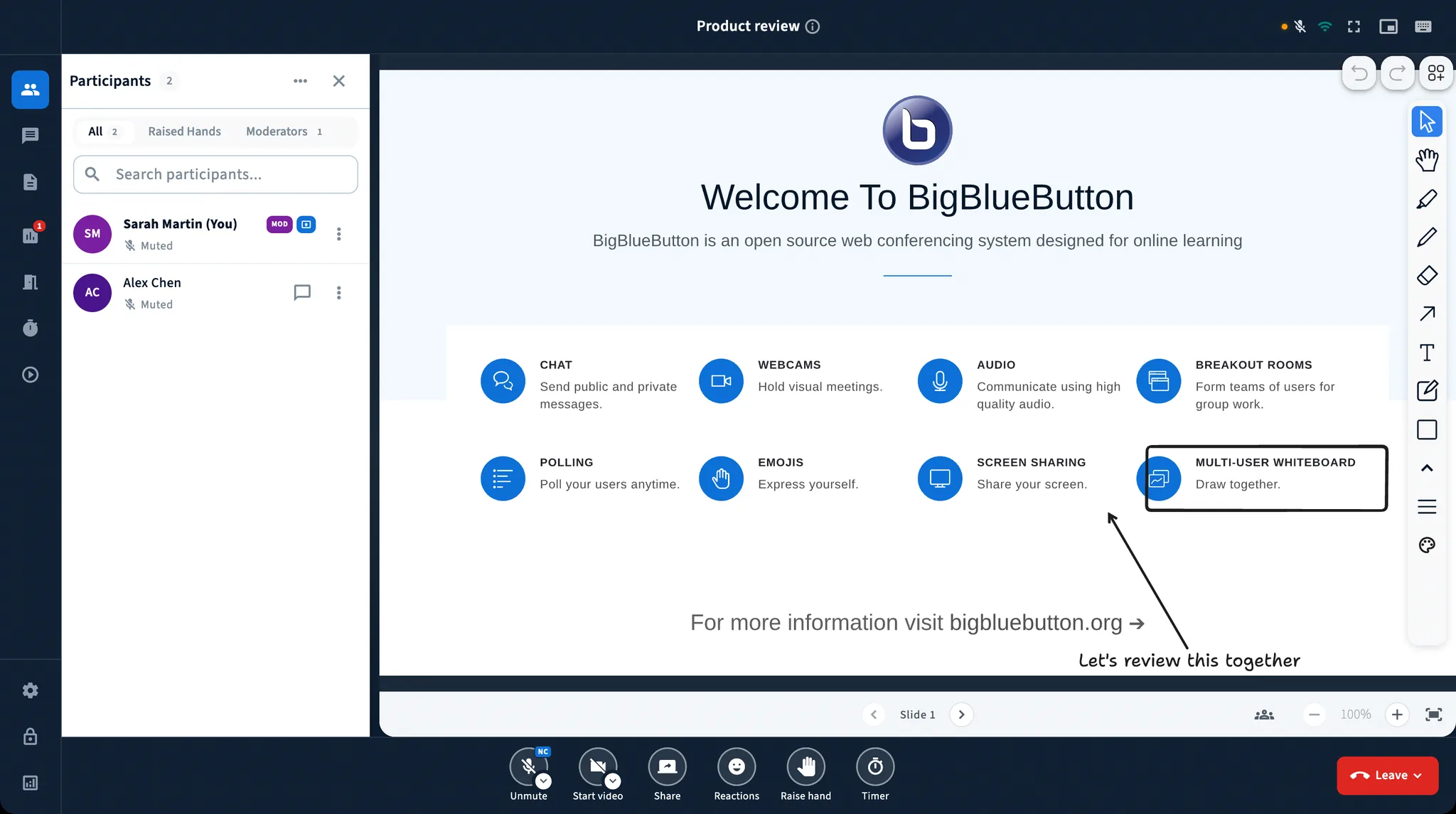
The participant list in BBB One, with the moderator badge and a menu for each person

更多参与方式

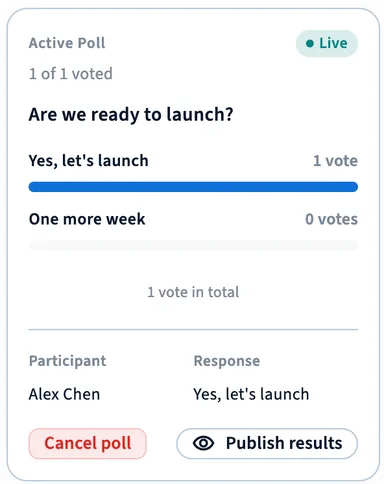
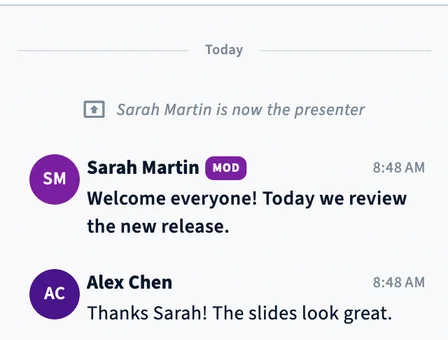
使用聊天、投票、举手、表情反应、共享笔记和计时器。

BBB One
A BigBlueButton meeting in BBB One, with participants, chat, a live poll, and the whiteboard

20 种语言

用你的语言使用 BBB One,并为阿拉伯语提供完整的从右至左排版。
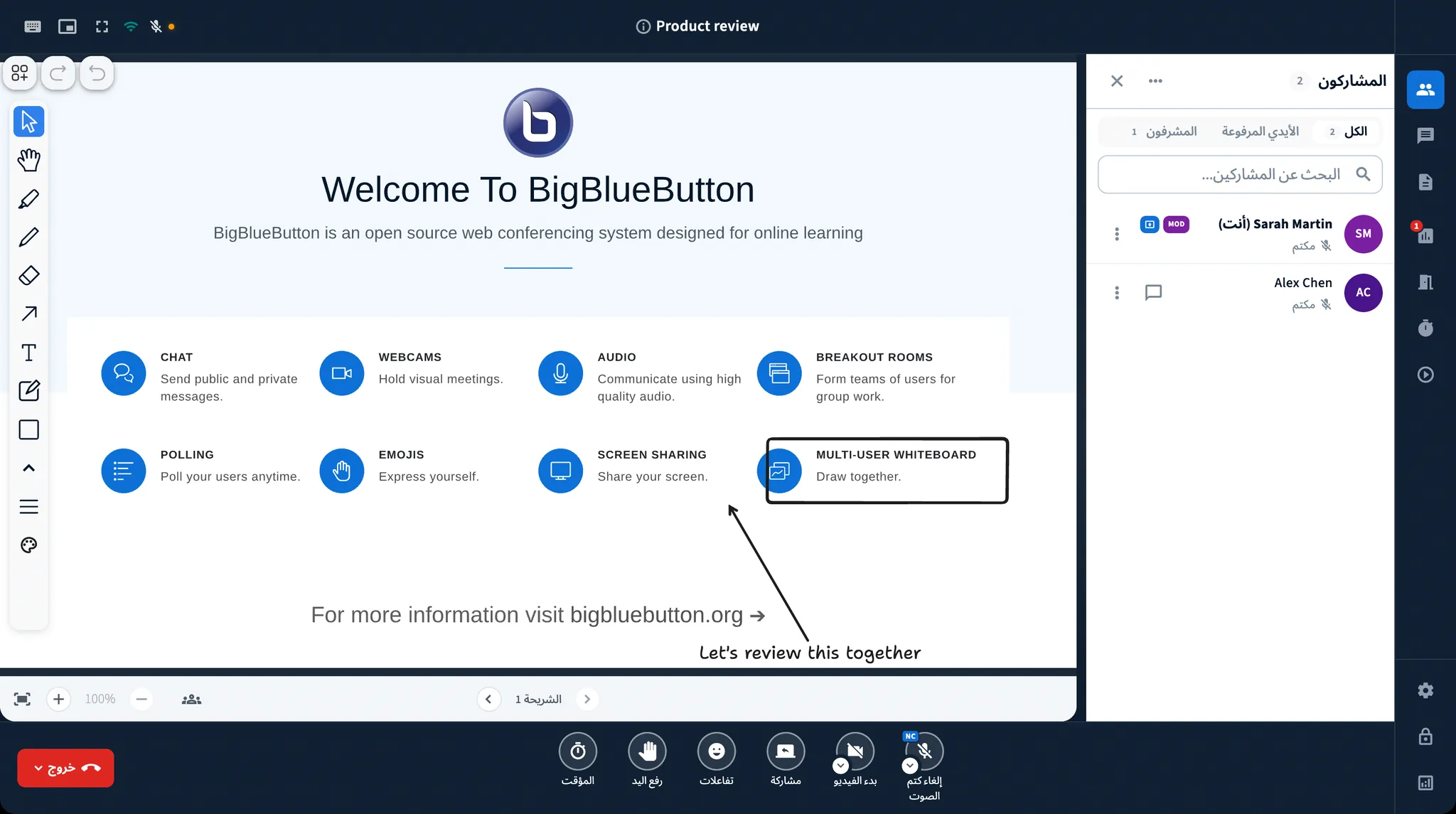
BBB One in Arabic, with the whole window mirrored right to left

每台设备上都是同一场会议。

使用 Mac 的老师、使用 Android 的学生、使用 Windows 的办公室和使用 Linux 的实验室,都能获得同样简单的体验。

  • Windows
  • macOS
  • Linux
  • Android
  • iPhone & iPad

现已支持 Windows。Mac、Linux、iPhone 和 Android 版即将推出。

看看 BBB One 在你的组织中如何运作。

带上你的问题。我们会展示应用连接到真实 BigBlueButton 服务器的效果。

演示完全免费,无任何约束。