
BigBlueButton Certified Service Provider
One meeting app for your whole organization, on every device.
Give employees, students, and customers one app for your BigBlueButton meetings, while your data stays on your servers.
Connects to the BigBlueButton servers you already use.
Available for
- Windows
- macOS
- Linux
- Android
- iPhone & iPad
Available now on Windows. Mac, Linux, iPhone, and Android are coming soon.
Trusted by organizations that run BigBlueButton






- 5
- platforms on the way, starting with Windows
- 20
- languages, including right-to-left
- 100%
- on infrastructure you control
Built by RIADVICE
BigBlueButton Certified Service Provider
Built and supported by a team that works with BigBlueButton every day.
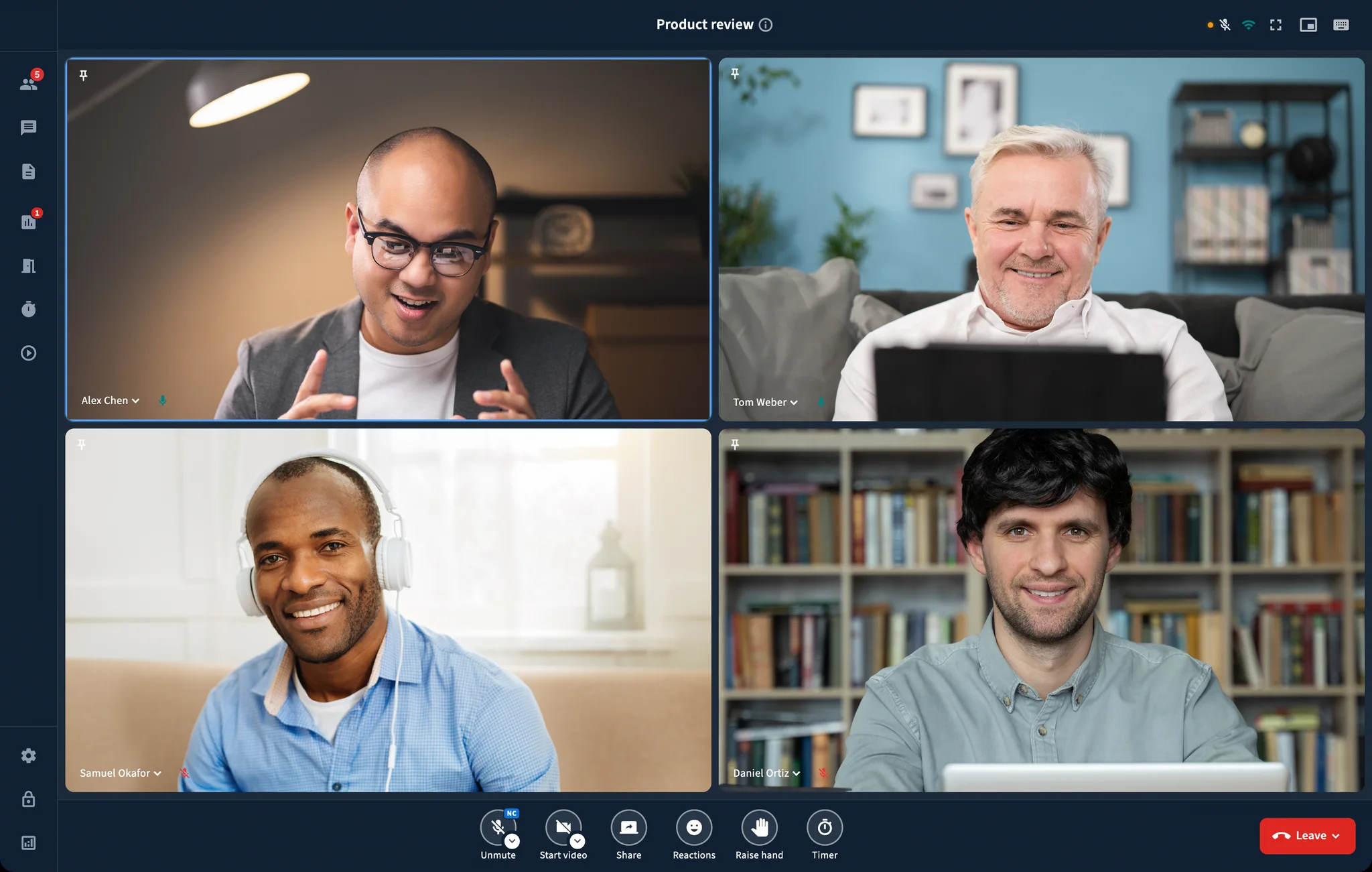
Start meetings on time, not after a sound check.
BBB One handles the device details before people join.
Ready before you join
Choose your microphone, camera, and speaker before the meeting starts.
Made for the whole meeting
Share your screen, switch windows, and keep the meeting open without relying on a browser tab.
At home on every device
Use a familiar app with device controls, notifications, and full screen.
One app for training, webinars, and client meetings
The BigBlueButton tools people use most, easy to find on every device.
Clear sound and video
Choose your camera and microphone, then blur your background when you need to.
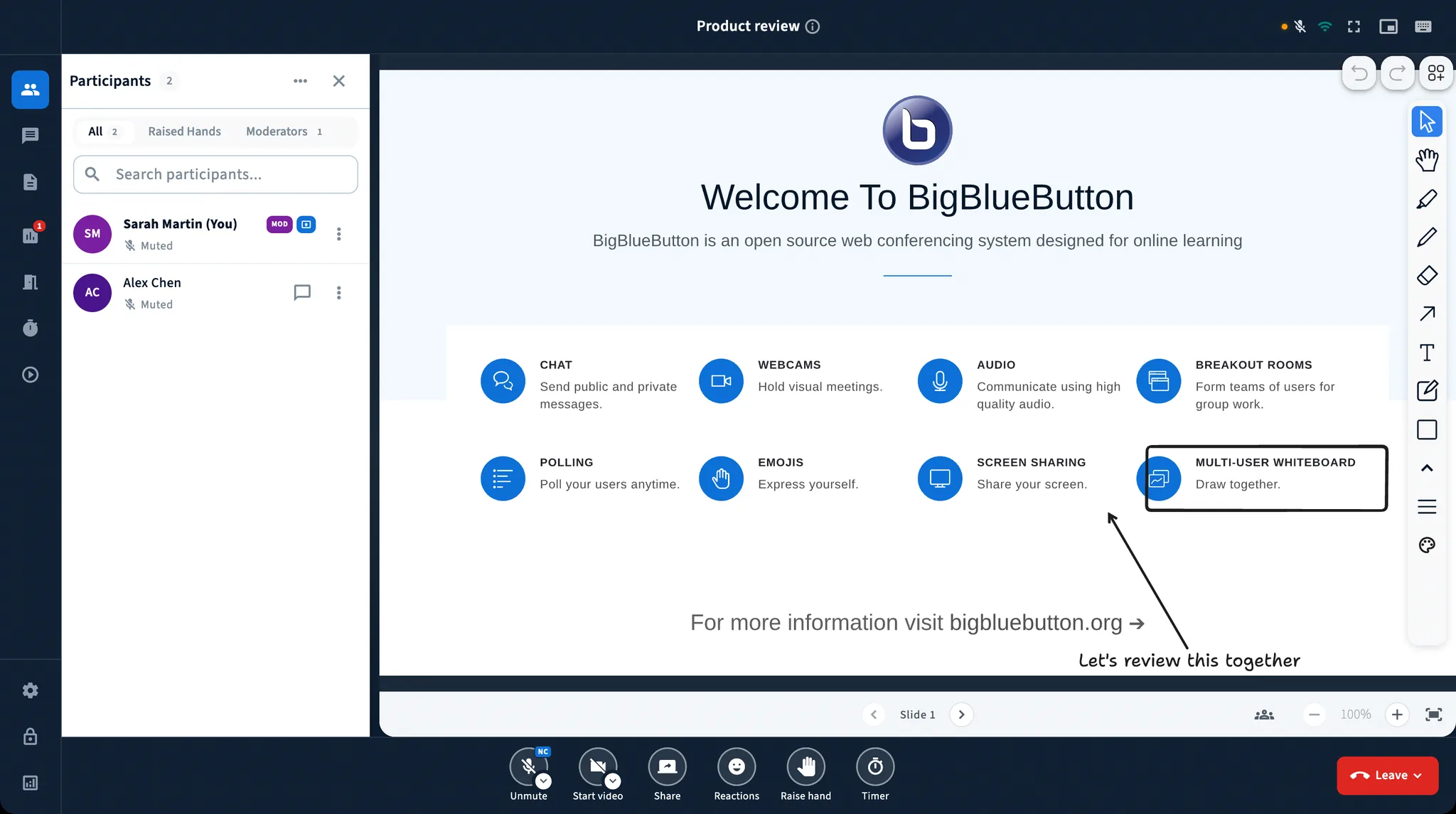
Simple screen sharing
Share your whole screen or one window while everyone stays in the meeting.
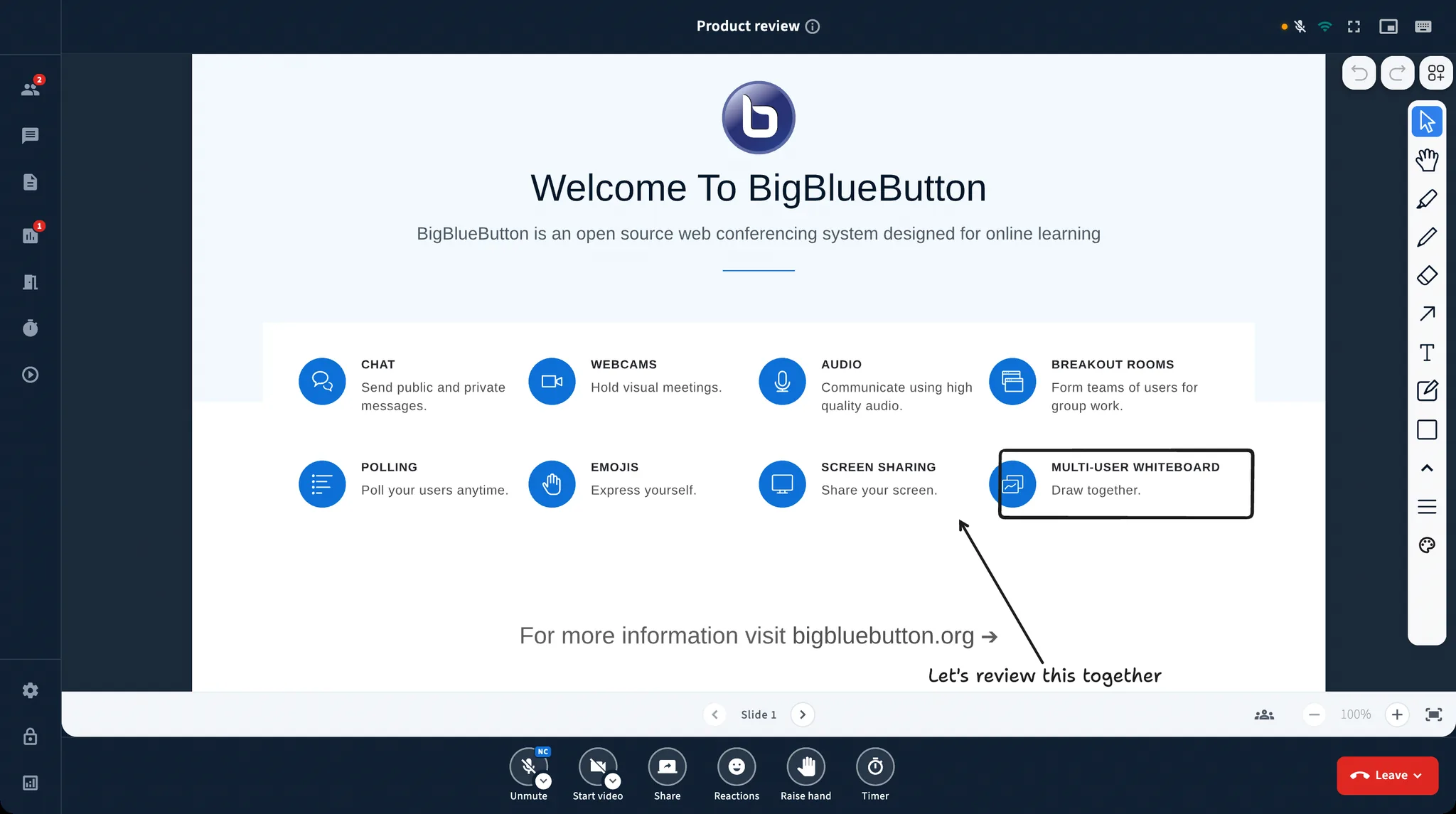
Slides and whiteboard
Show a file, write on it live, and explain ideas together.
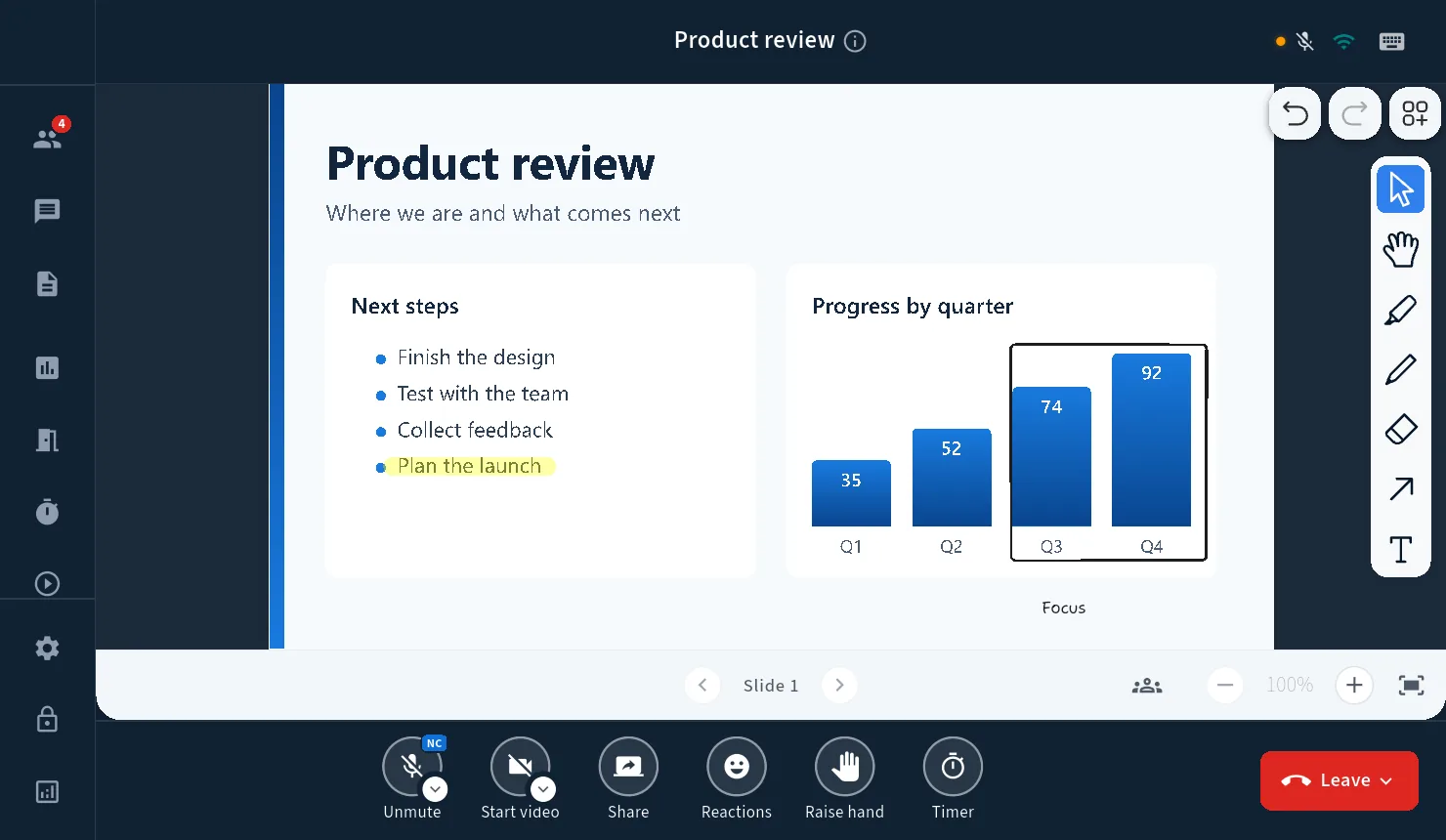
Keep every meeting under control
Mute the room, choose a presenter, manage access, and use the lobby when you need it.
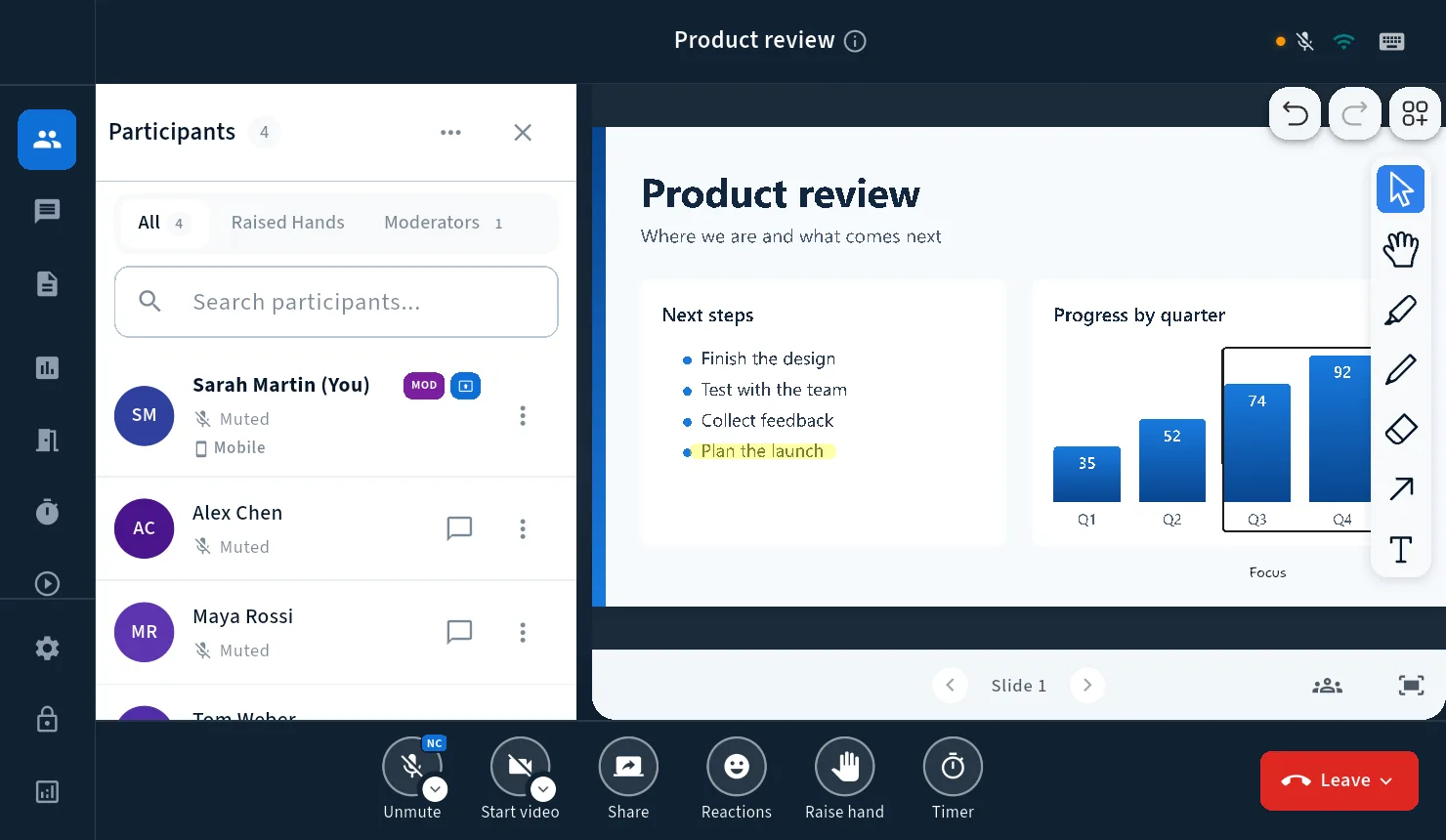
More ways to take part
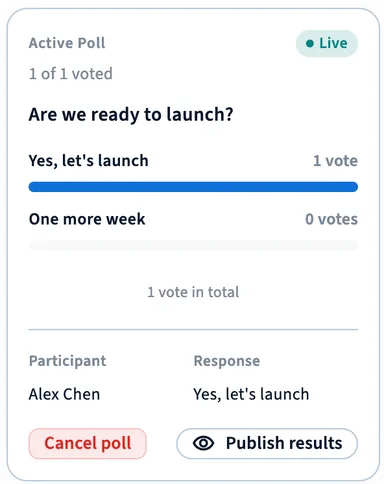
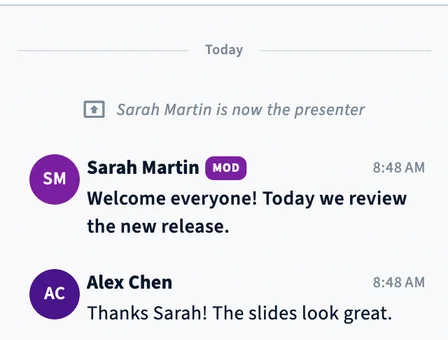
Use chat, polls, raised hands, reactions, shared notes, and a timer.
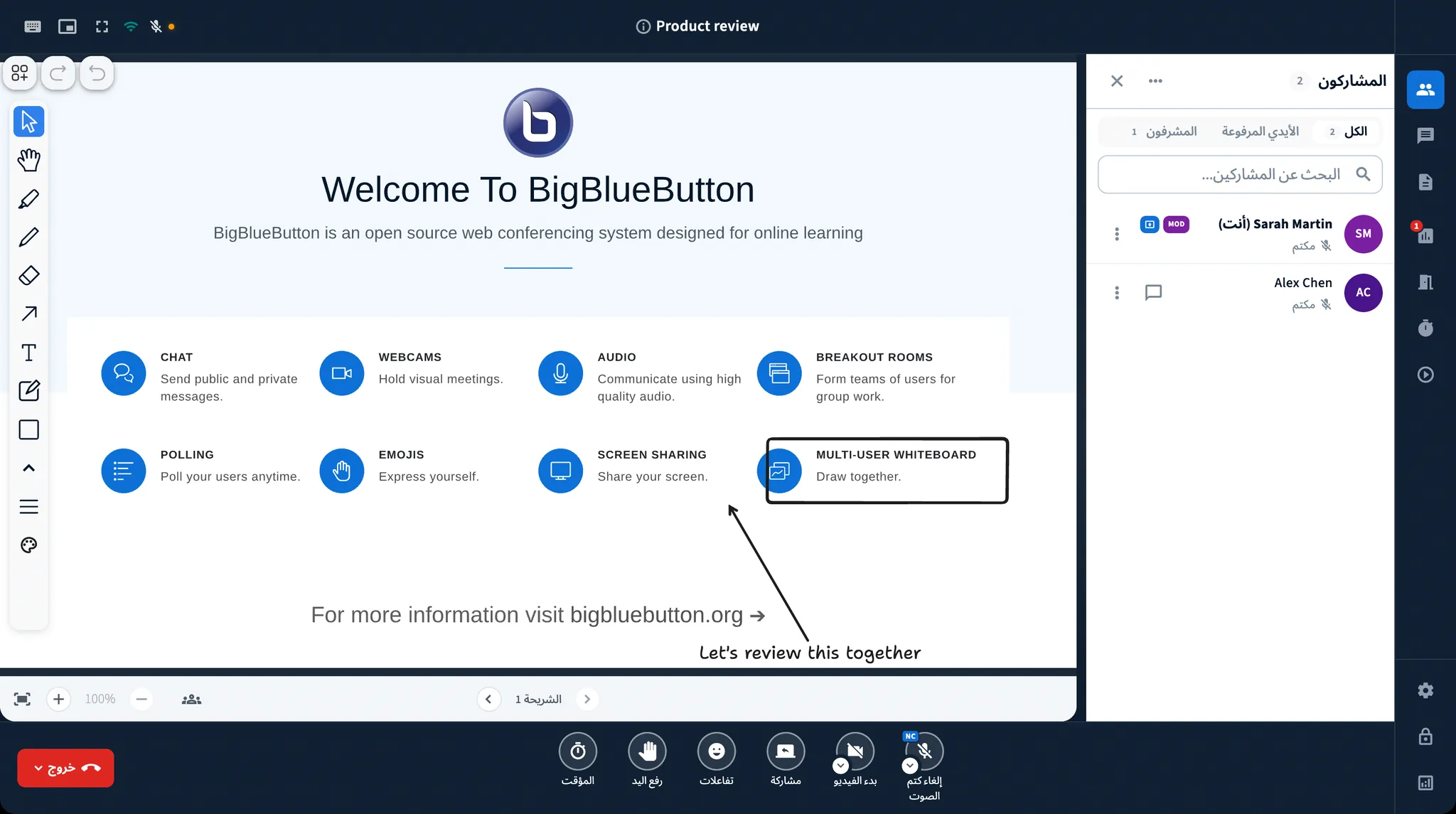
20 languages
Use BBB One in your language, with a full right-to-left layout for Arabic.
The same meeting on every device.
Teachers on Mac, students on Android, offices on Windows, and labs on Linux all see the same simple experience.
- Windows
- macOS
- Linux
- Android
- iPhone & iPad
Available now on Windows. Mac, Linux, iPhone, and Android are coming soon.
Built for the way you meet
Choose the setup that fits your organization.
See how BBB One would work in your organization.
Bring your questions. We will show you the app connected to a real BigBlueButton server.
The demo is free and comes with no commitment.