
One meeting app for your whole organization, on every device.
Give employees, students, and customers one app for your BigBlueButton meetings. Your data stays on your servers, and the AI on your own computer.
Connects to the BigBlueButton servers you already use.
New: private AI in your BigBlueButton meetings, right on your computer
Available for
- Windows
- macOS
- Linux
- Android
- iPhone & iPad
Available now on Windows, Linux, and Android. Mac and iPhone are coming soon.
Built by RIADVICE
A BigBlueButton Certified Service Provider and a contributor to the project since 2013. We help build the platform, and we build and support BBB One.
Trusted by organizations that run BigBlueButton





















New in the BBB One desktop app
AI that stays on your computer.
Private AI is now part of your BigBlueButton meetings. It translates and summarizes right on your own computer, with no cloud and no third party.
- Runs on your computer
- No data sent to third parties
- No GPU needed
Off until you switch it on. Needs a computer with 16 GB of memory.

Every message in your language
Translate one chat message, or every message as it arrives, into the language of your app.
Catch up on a long chat
Get the topics, decisions, open questions and action items of the chat in a few lines.
Captions in your language
Live captions are translated as they appear, so everyone can follow the speaker.
Notes in your language
Read the shared notes in your own language. Moderators can summarize them, or let the AI suggest what the chat decided that the notes are missing, and add it after reviewing it.
You stay in control
- Turn each feature on or off, before or during a meeting.
- Describe your sessions in one sentence, such as “Medical training for nurses”, and the AI uses the right words.
- A small AI mark shows every text the AI made, so nobody mistakes it for a person's words.

Powered by Olala, an AI we trust
Olala is OVHcloud's open model: made in Europe, open by design, trained on Europe's public supercomputers and built for data that must stay on your own machines. Anyone can check how it is made, and that is why we trust it with your meetings.
See the model cardStart meetings on time, not after a sound check.
BBB One handles the device details before people join.
Ready before you join
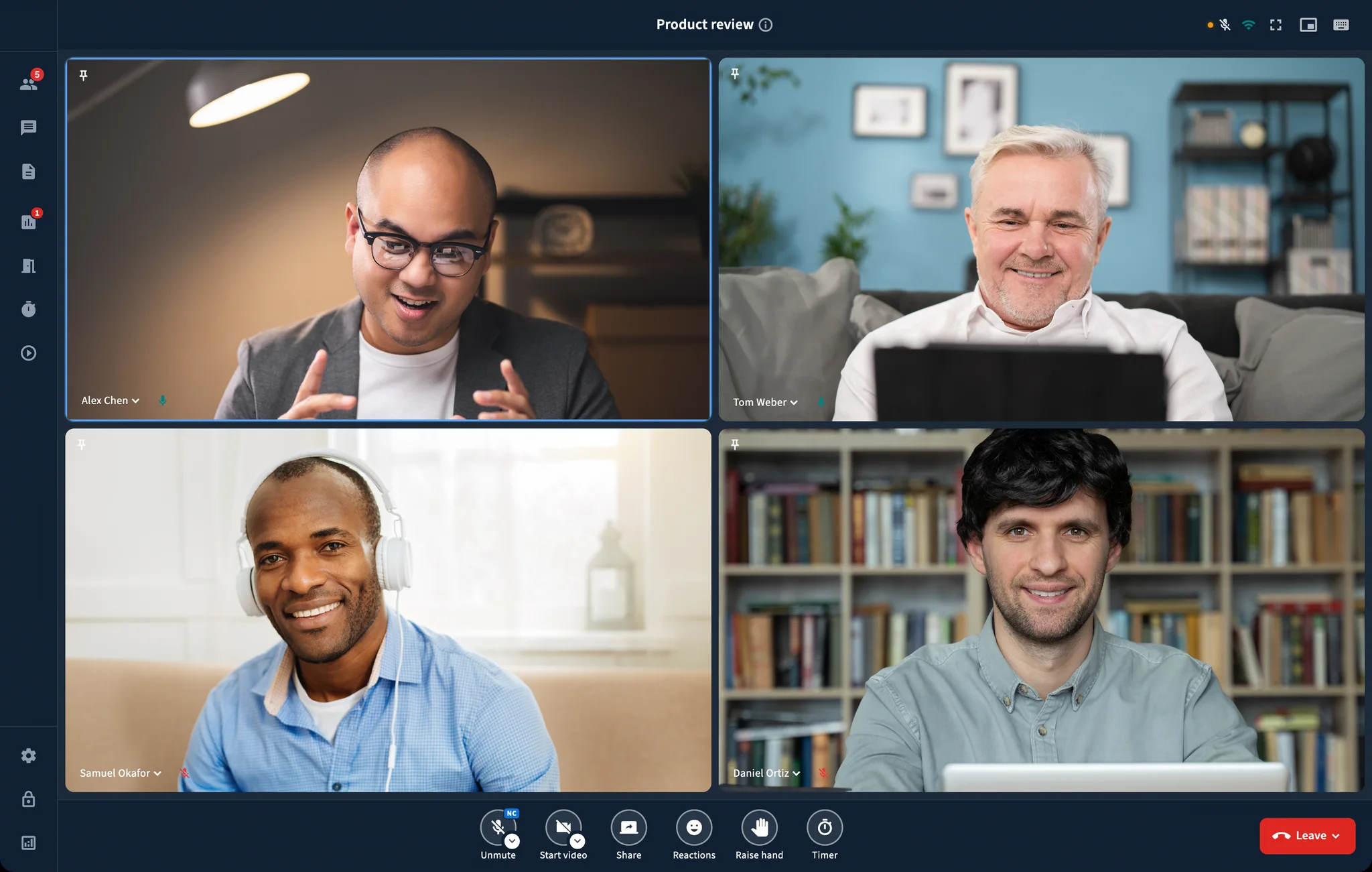
Choose your microphone, camera, and speaker before the meeting starts.
Made for the whole meeting
Share your screen, switch windows, and keep the meeting open without relying on a browser tab.
At home on every device
Use a familiar app with device controls, notifications, and full screen.

The team behind BBB One
- contributing to the BigBlueButton platform
- 2013
- online conferences hosted
- 2M+
- countries served
- 50+
- on infrastructure you control
- 100%
One app for training, webinars, and client meetings
The BigBlueButton tools people use most, easy to find on every device.
Clear sound and video
Choose your camera and microphone, then blur your background when you need to.
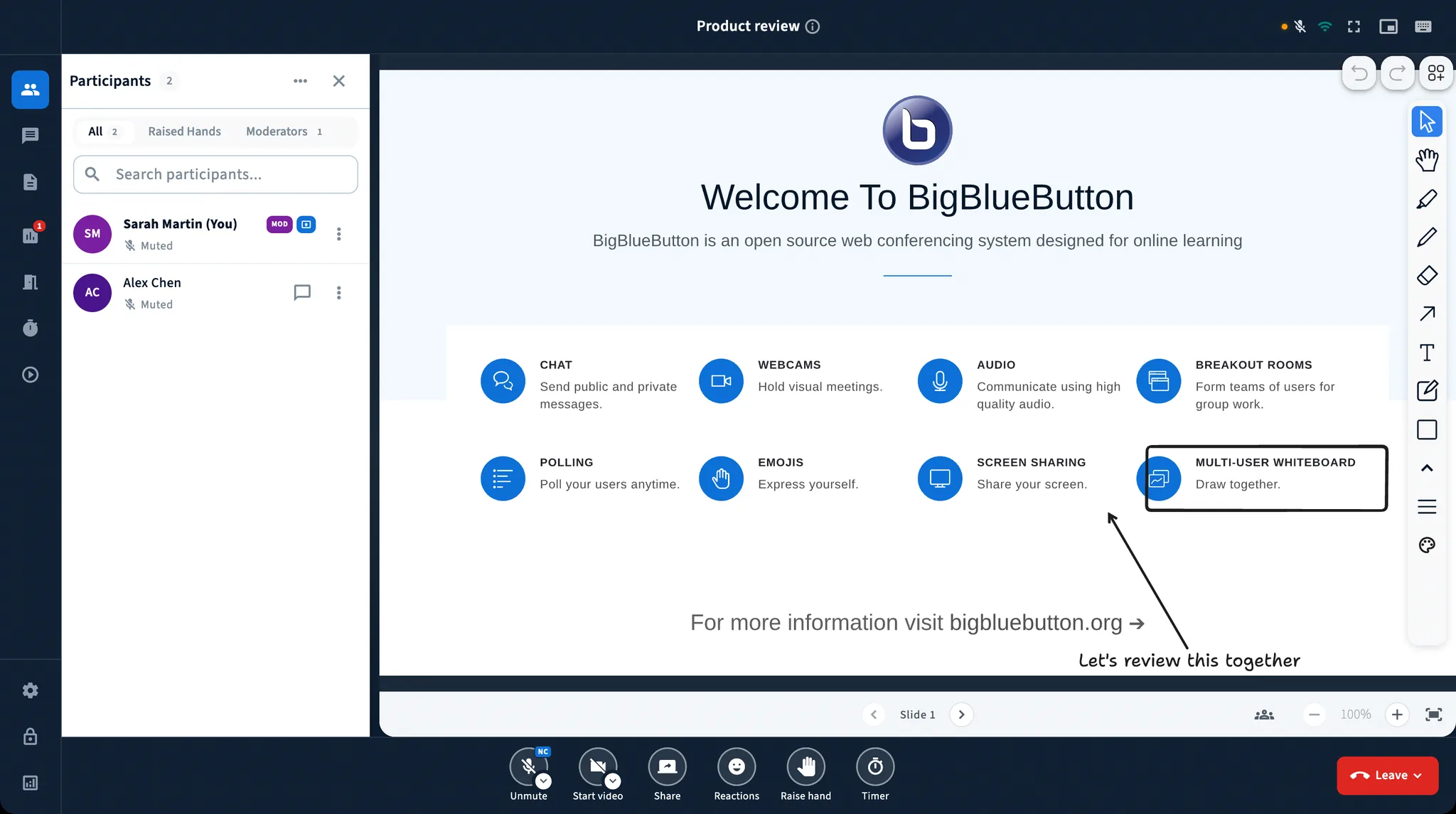
Share your whole screen, or just one window
Share your whole screen or a single window from your computer, or your screen from an Android phone, while everyone stays in the meeting.
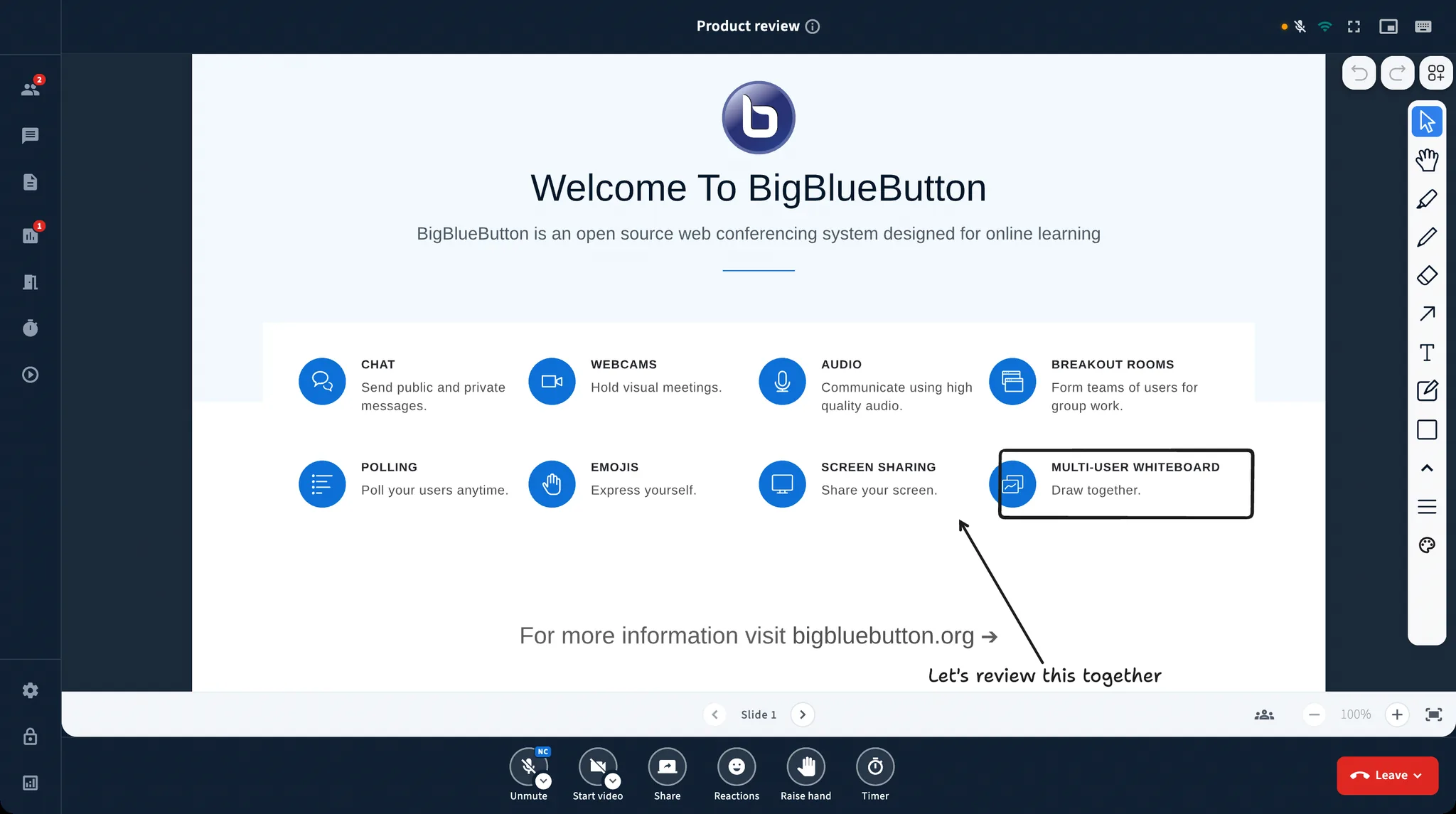
Present Office files, PDFs, and images
Upload Word, Excel, and PowerPoint files, PDFs, or images, then write on them live and explain ideas together on the whiteboard.
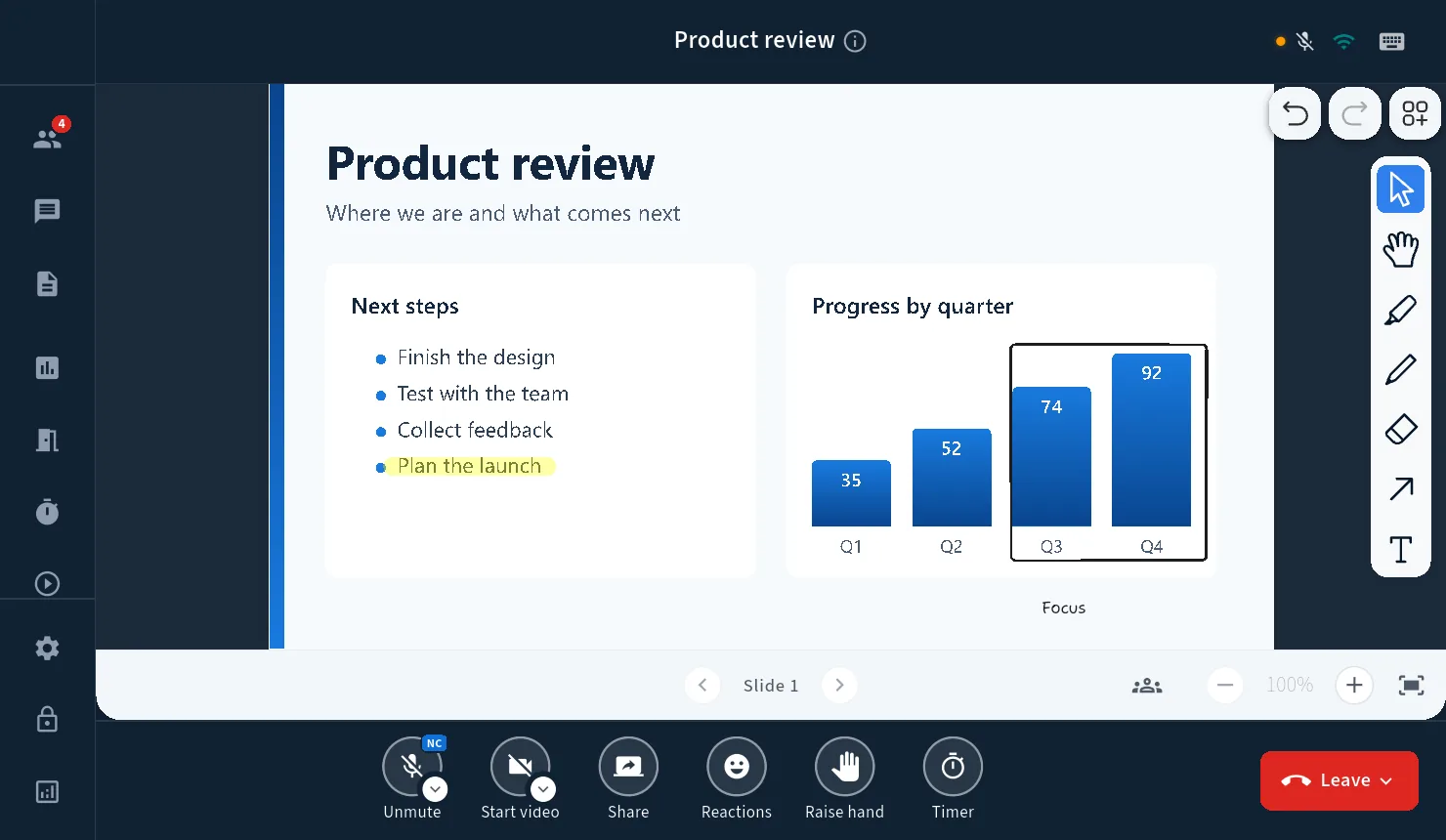
Keep every meeting under control
Mute the room, choose a presenter, manage access, and use the lobby when you need it.
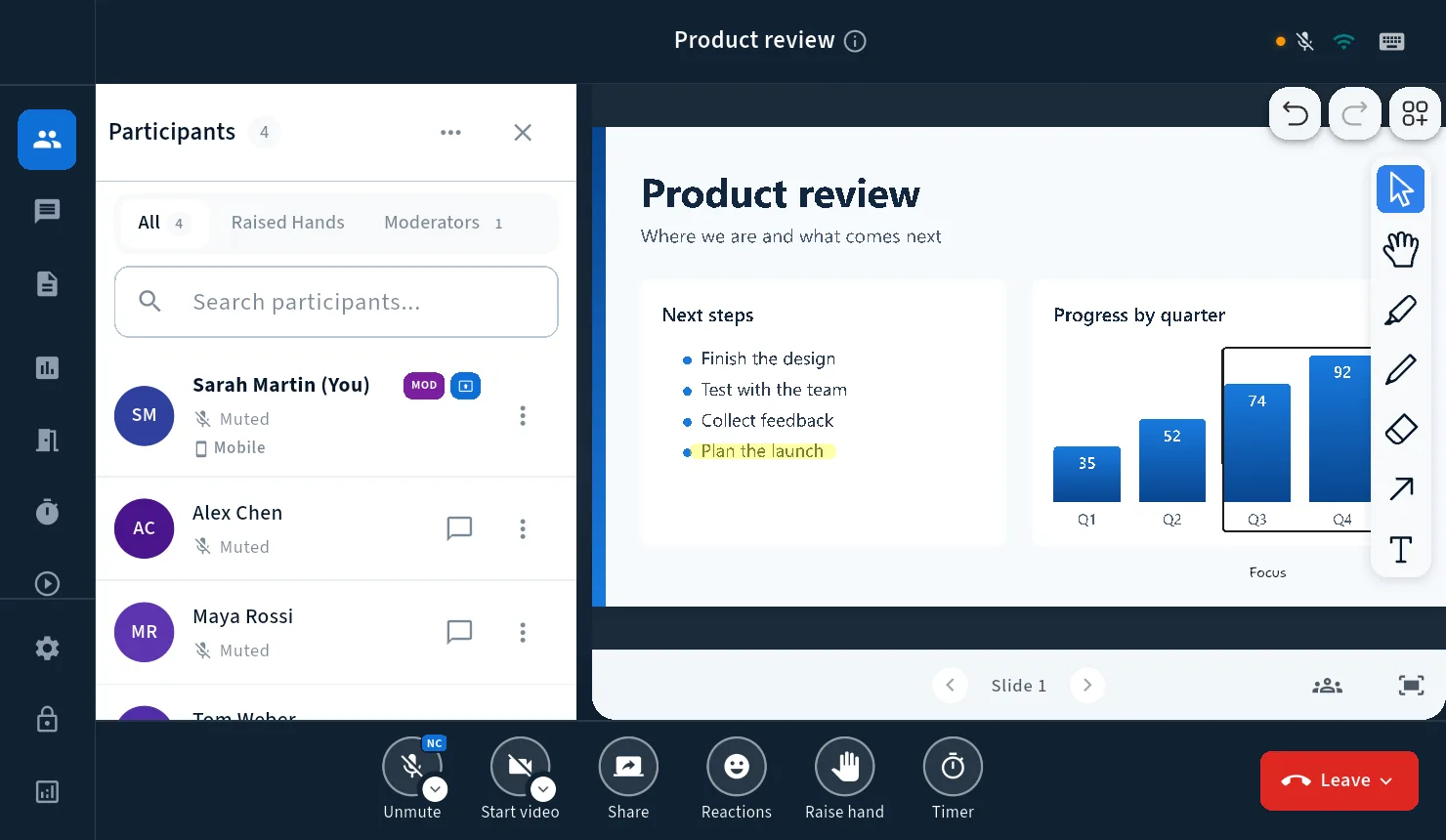
More ways to take part
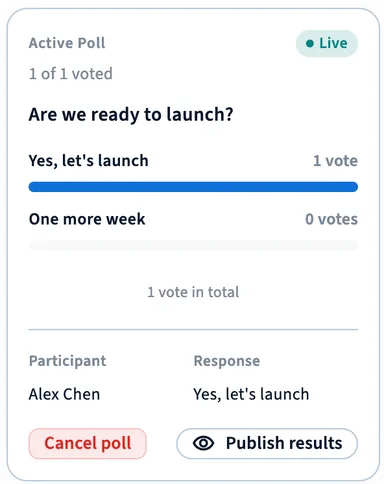
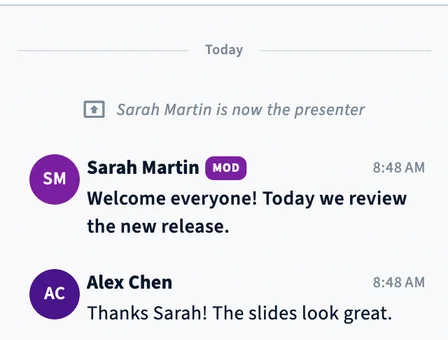
Use chat, polls, raised hands, reactions, shared notes, and a timer.
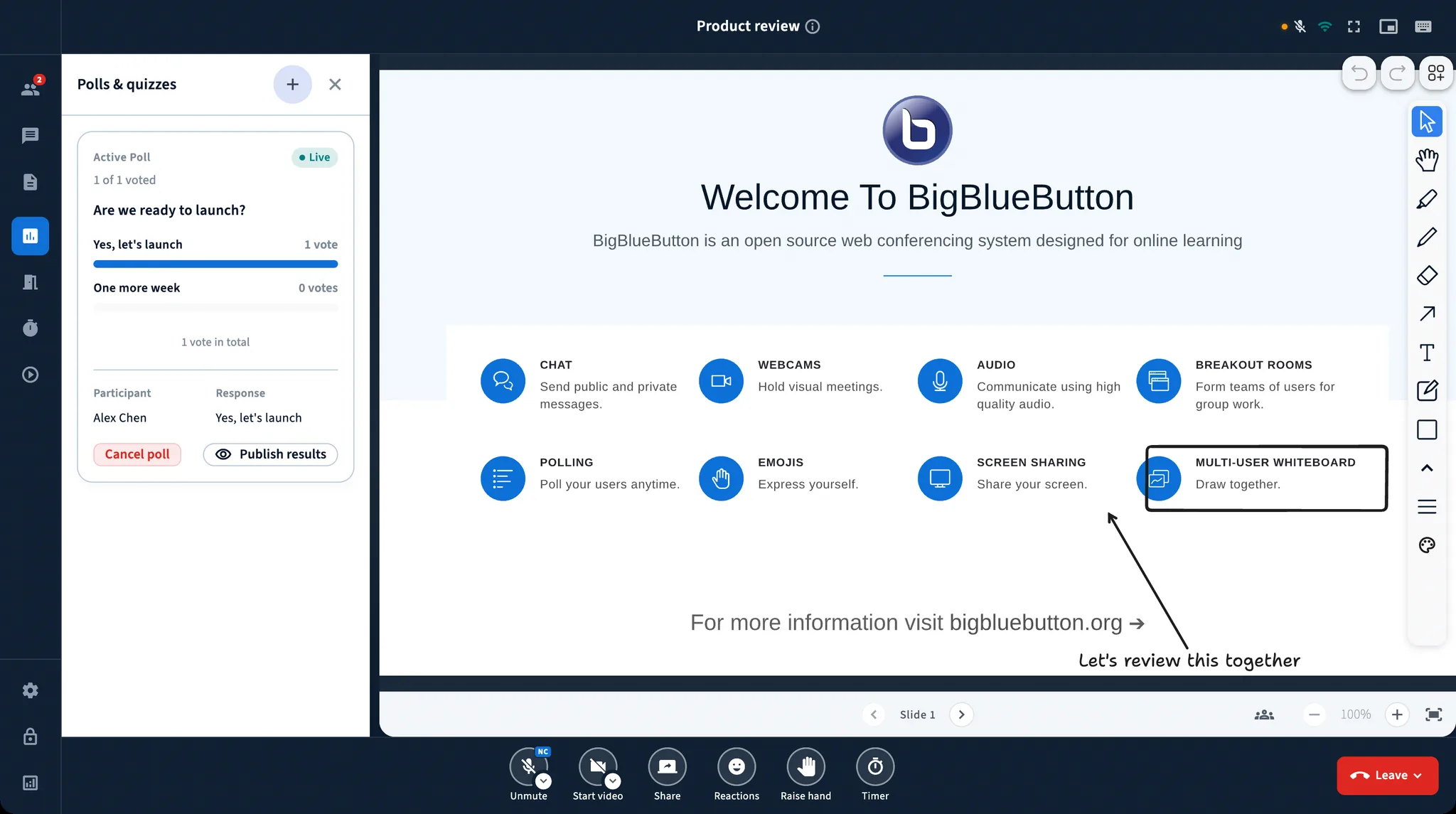
53 languages, and more are coming
Use BBB One in your language, with a full right-to-left layout for Arabic.
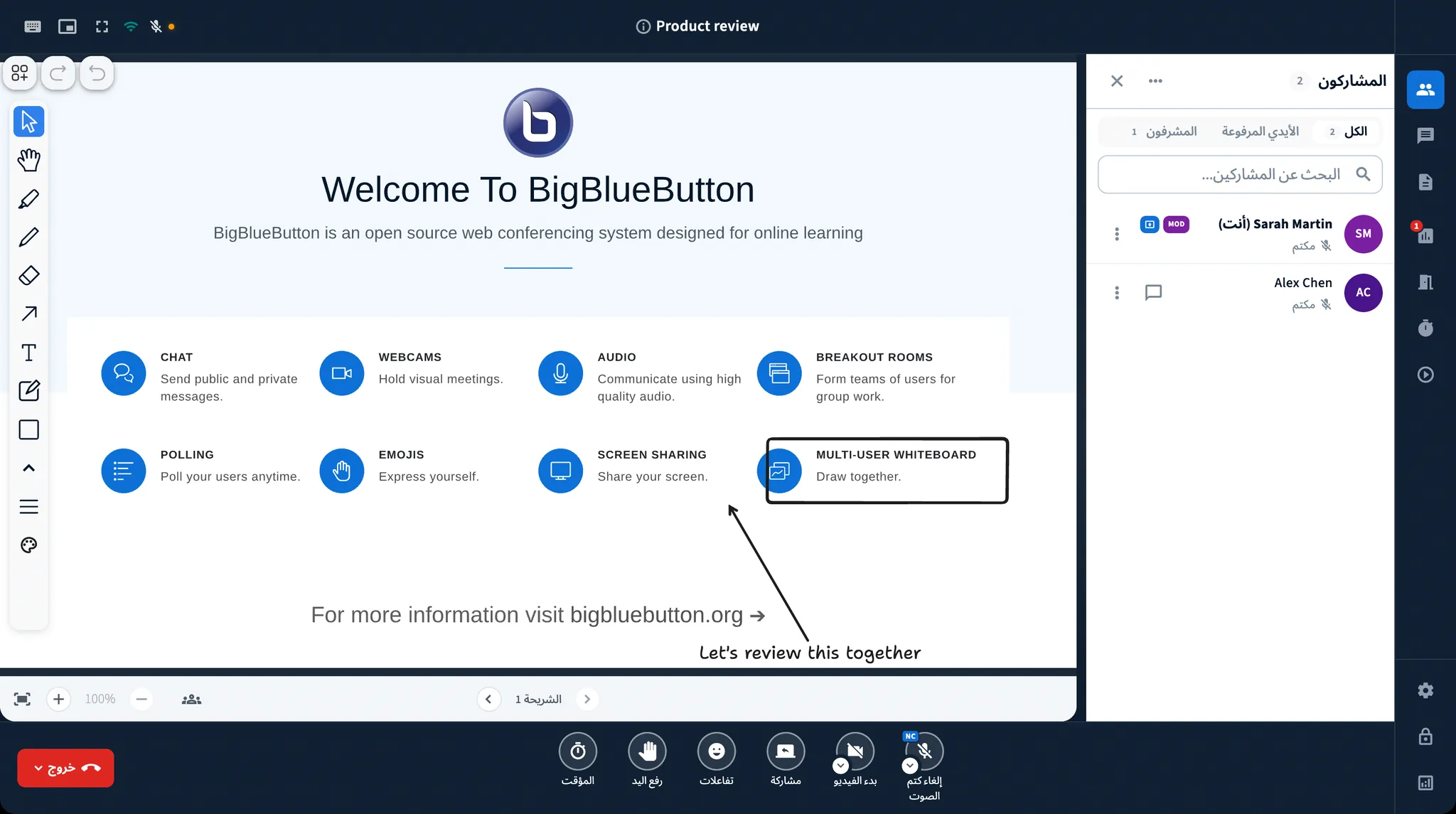
The same meeting on every device.
Whether someone joins from a Mac, an Android phone, a Windows PC, or a Linux workstation, the meeting looks and works the same.
- WindowsAvailable now
- macOSComing soon
- LinuxAvailable now
- AndroidAvailable now
- iPhone & iPadComing soon
Built for the way you meet
Choose the setup that fits your organization.
 Education A simpler virtual classroom for teachers, students, and campus teams. For education
 Business Keep client and board meetings private, under your brand and your policies. For business
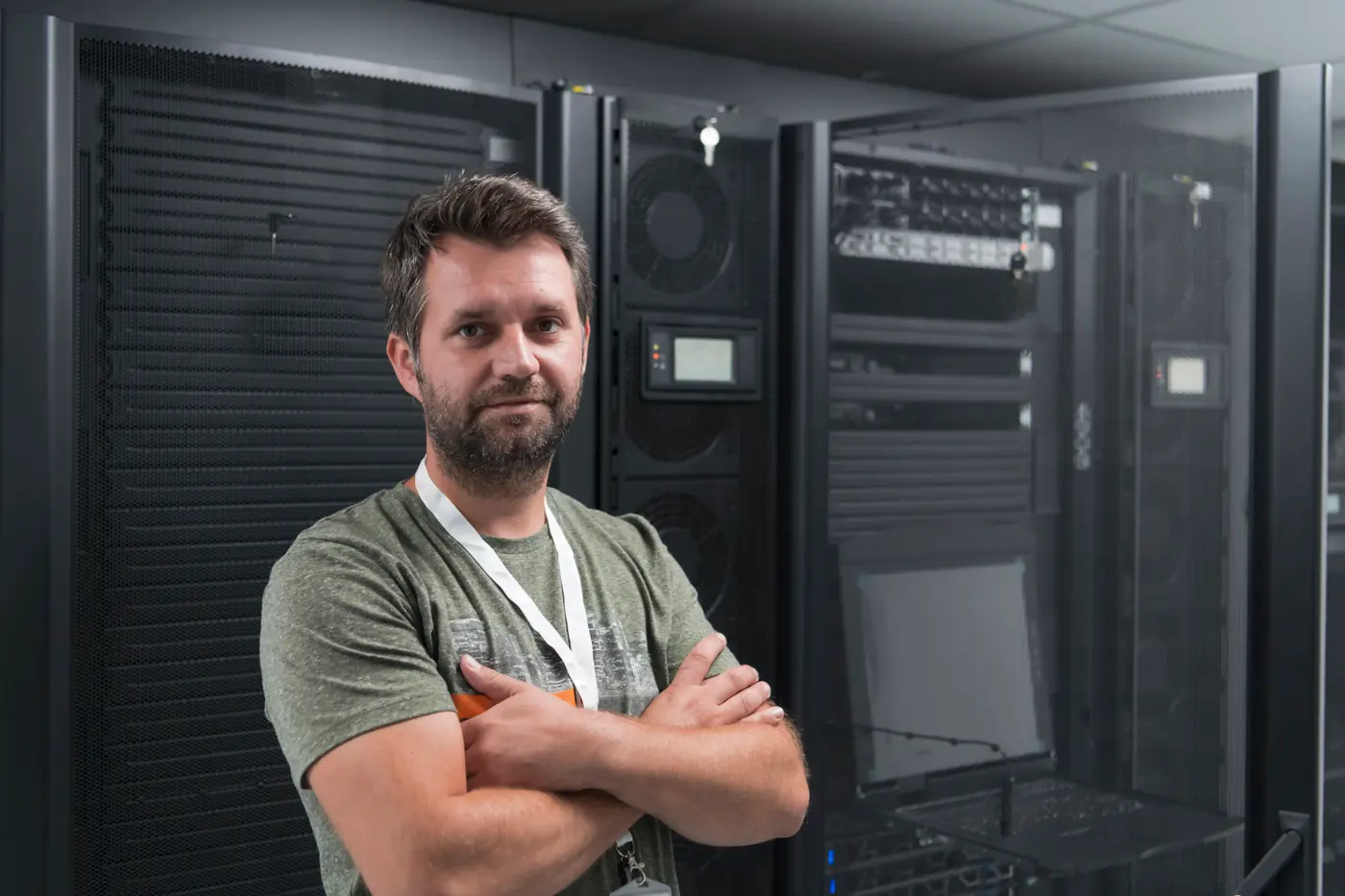 Hosting providers Sell a branded app with your hosting, connected to the servers you already run. For providers
 Government Keep meetings on infrastructure your organization controls. For government
See how BBB One would work in your organization.
Bring your questions. We will show you the app connected to a real BigBlueButton server.
The demo is free and comes with no commitment.